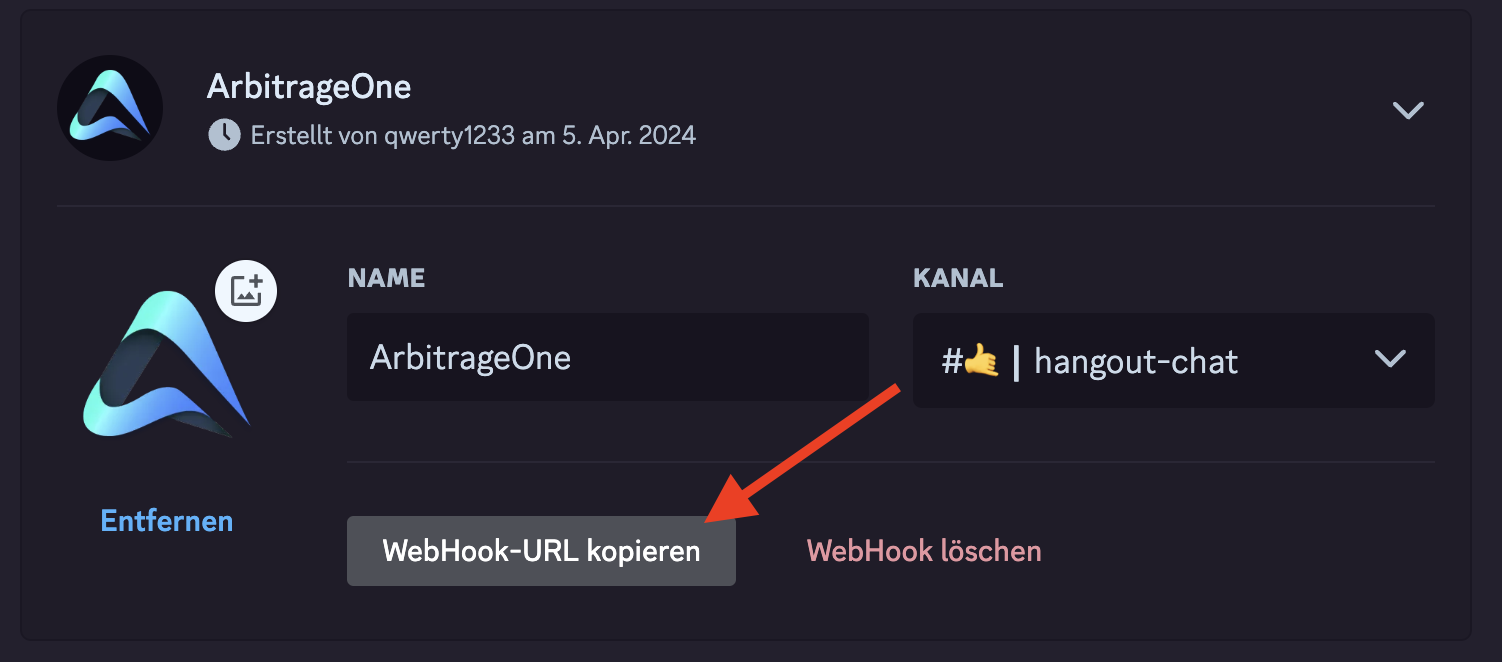
Discord Webhook für Benachrichtigungen aus ArbitrageOne anlegen.
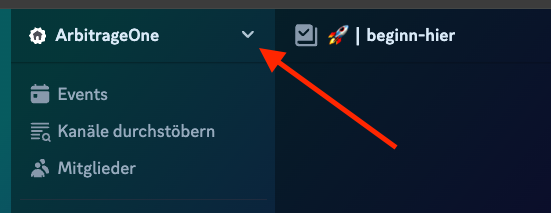
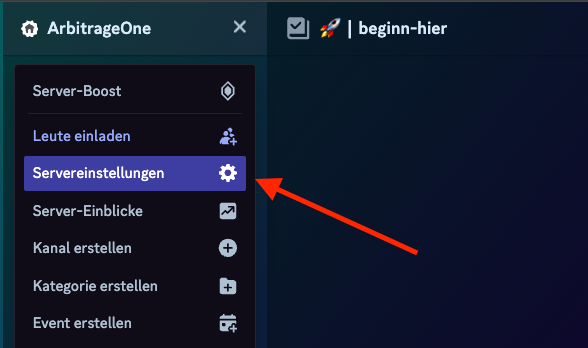
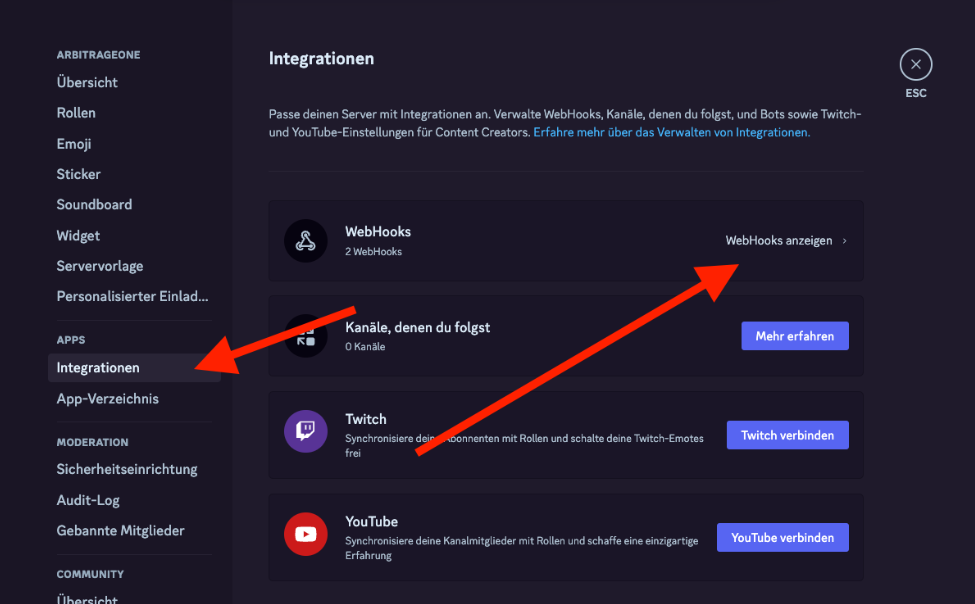
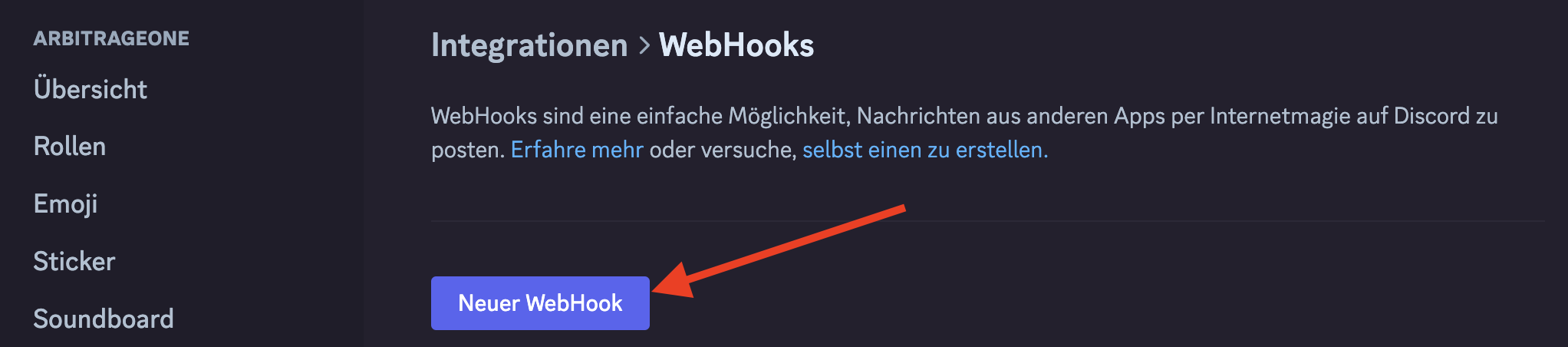
Um einen Discord Webhook zu erstellen, benötigst du einen eigenen Discord-Server.Schritt 1: Klicke oben auf den Servernamen.Schritt 2: Dort wählst du die Servereinstellungen aus.Schritt 3: Unter Integrationen wählst du WebHooks aus.Schritt 4: Hier klickst du auf „New WebHook”.Schritt 5: Hier kannst du dem WebHook einen Namen geben und einen Kanal auswählen. Klicke anschließend auf „Copy Webhook URL”.