All your purchase sources are stored encrypted and can only be decrypted with your account. We never have access to your sources in plain text. Important: After you’ve created the sheet in ArbitrageOne, you must not edit the sheet or delete any rows.Documentation Index
Fetch the complete documentation index at: https://docs.arbitrageone.de/llms.txt
Use this file to discover all available pages before exploring further.
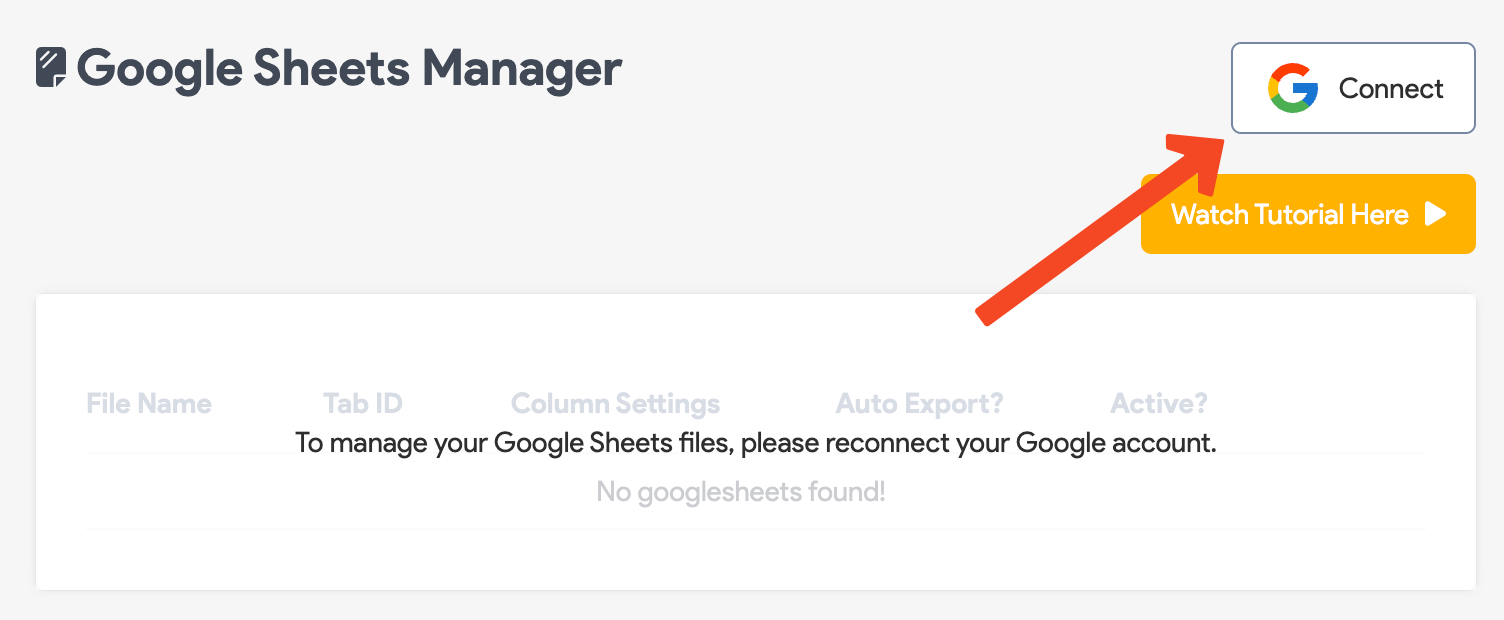
Step 1: Connect your Google account to BuyBotPro
Click Connect and follow the instructions to link BuyBotPro to your Google account.
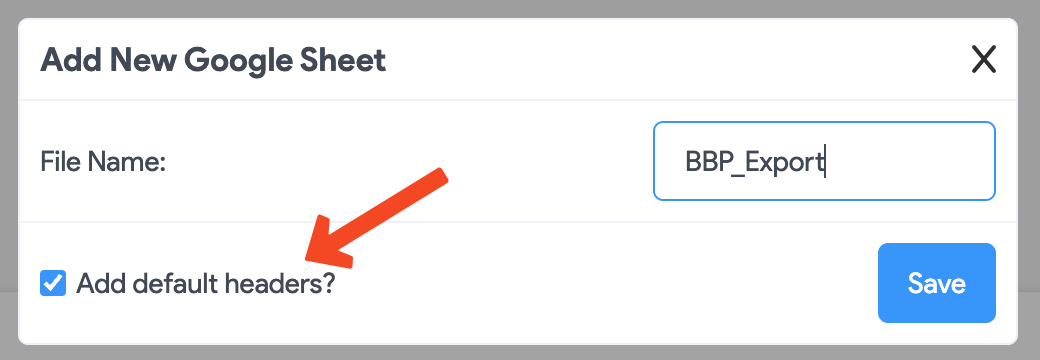
Step 2: Create a Google Sheet
Click “Add default headers?” and then Save.
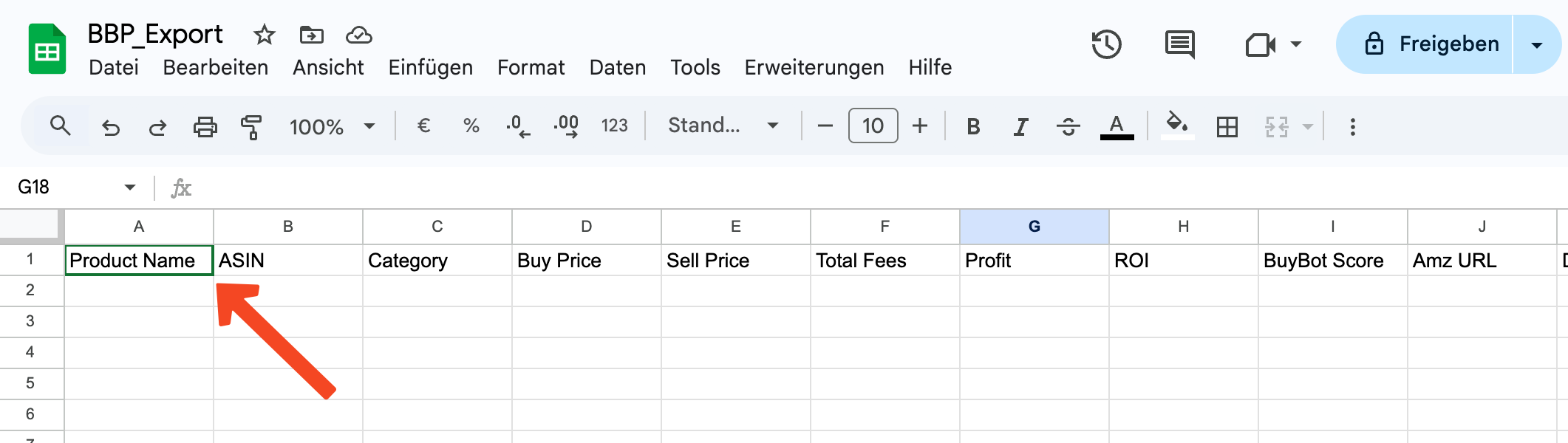
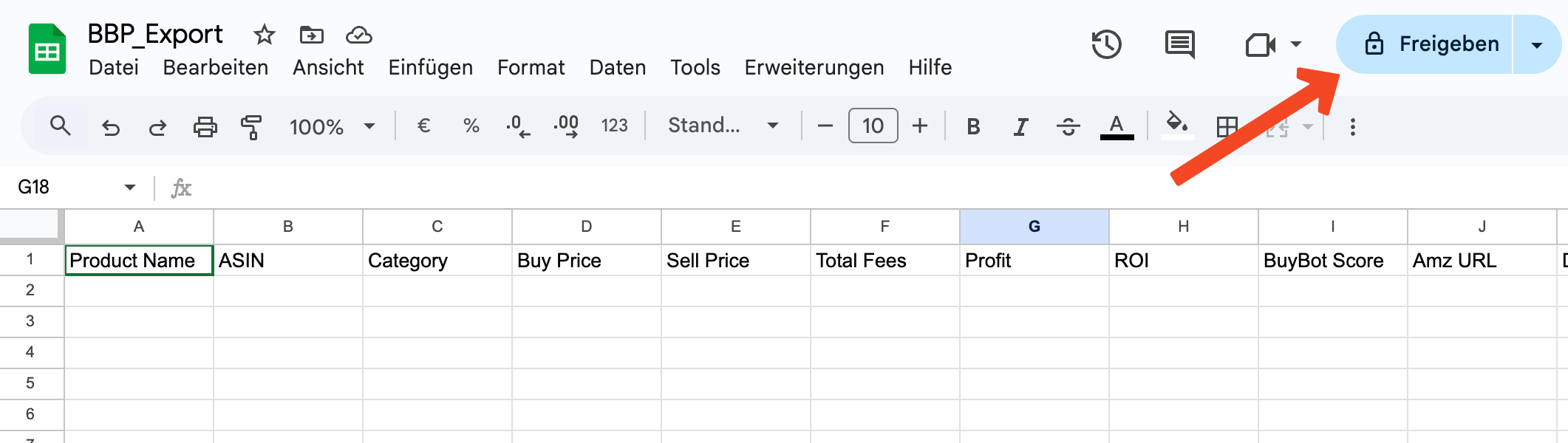
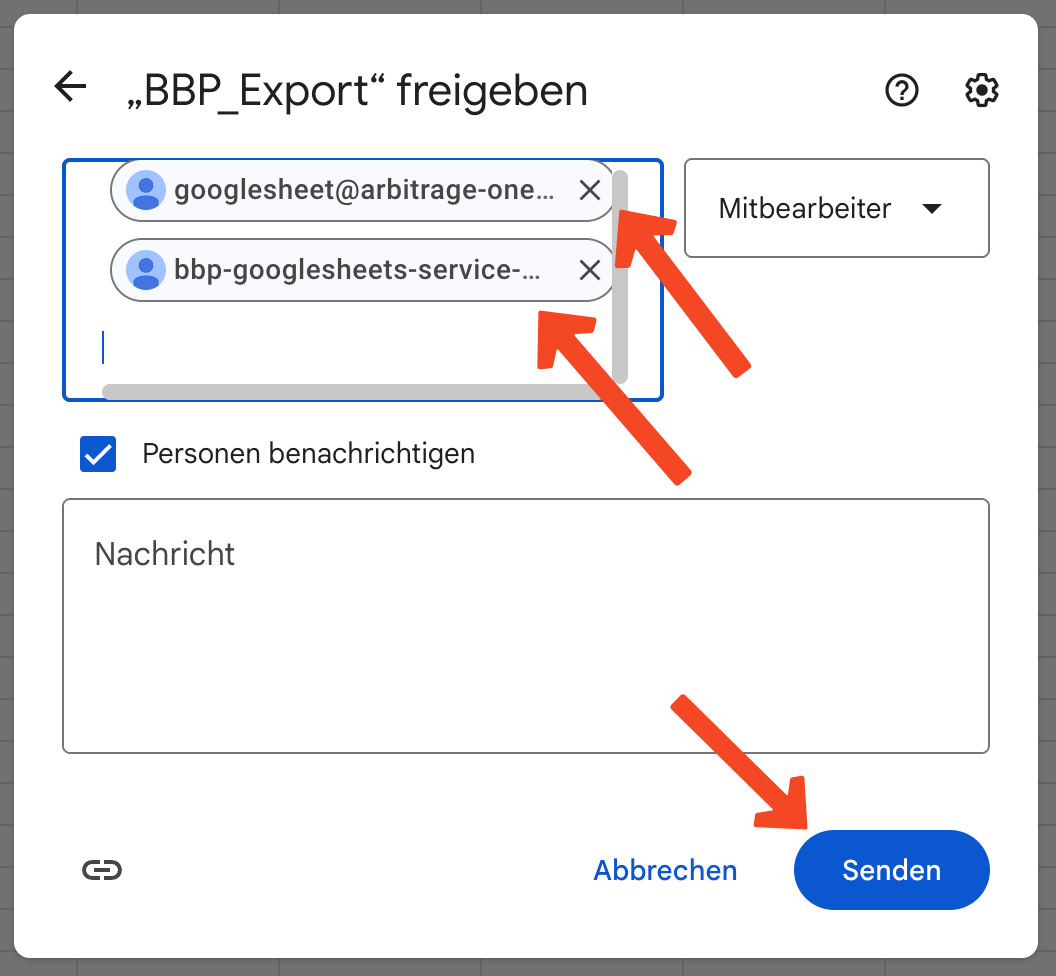
Step 3: Share the Google Sheet
Click Share here.
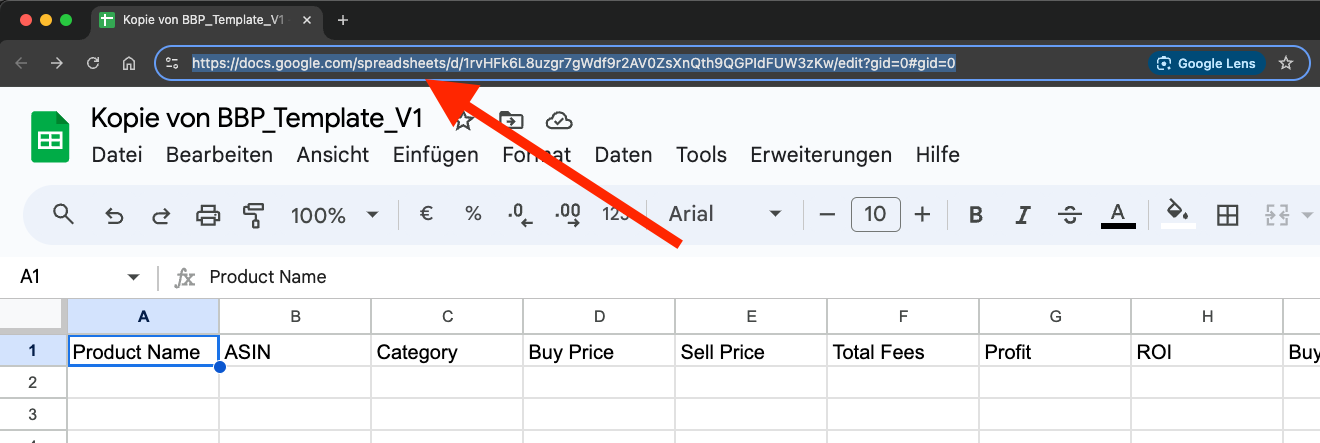
Step 4: Copy the URL
Click into the browser’s address bar and select the full URL. Copy it to the clipboard (CTRL + C or right-click > Copy).